iOS
- iOS 13.0 or later
- Added to the home screen from the browser
- No App Store listing
BirdSpin Casino app for Android and iOS
Add BirdSpin to your home screen as a PWA and open slots, Bonus Buy games, live tables and your EUR cashier like any other app.
Install in three steps
Device requirements
iOS
Android
BirdSpin on your home screen
Add BirdSpin to your home screen as a PWA and open slots, Bonus Buy games, live tables and your EUR cashier like any other app.
Add to home screen 18+ only. Gambling carries a risk of addiction and bonus terms apply.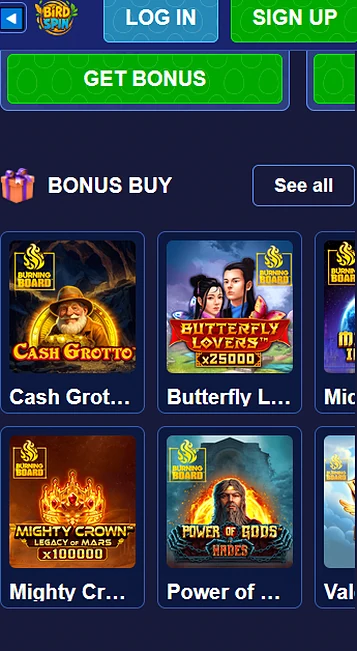
What the app gives you
Limits and reality checks
Daily, weekly and monthly deposit limits, session limits and cooling-off periods stay within reach.
Full catalogue
Slots from Pragmatic Play and Play'n GO and live tables from Evolution Gaming, with an EUR cashier.
Home screen icon
Install the PWA from your browser on Android 8.0 or iOS 13.0 and open it like a native app.
Using the app safely
What to do
What to avoid
App strengths and limits
Pros
Cons
The BirdSpin app is a Progressive Web App installed from our own website, so there is no store listing to search for and no APK file to trust, and the only safe source is the BirdSpin site opened in your own browser. The Slots lobby opens in the home screen version as well.
A file, link or message from a third party that claims to be the BirdSpin app does not come from us. Open the site yourself in your browser and use the add to home screen option from there.
Identity and address verification applies before your first withdrawal and takes 24 to 72 hours, and we also confirm that the card or e-wallet you deposit with belongs to you. Daily, weekly and monthly deposit limits, reality checks, session limits and cooling-off periods are available from your account on mobile as they are on desktop.
The BirdSpin PWA is the full BirdSpin site installed as an icon, so your account, EUR cashier, live chat and English interface are all one tap away.
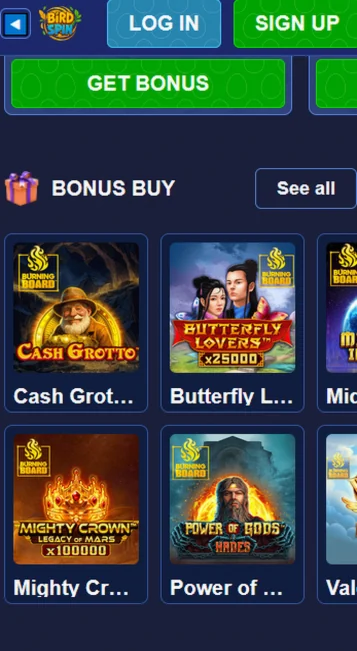
Slots, live dealer tables and the cashier open in a single window, and your balance, bonuses and limits are the same ones you see on a laptop. The mobile lobby keeps the same categories, including Bonus Buy with Cash Grotto, Butterfly Lovers, Mighty Crown and Power of Gods: Hades. The dealer tables sit in the Live Casino section.
The content is the same, and the difference is how you reach it. The PWA gives you a home screen icon and opens without the usual browser address bar, and it replaces a store download with an install from your browser. There is no second account to create.
BirdSpin installs as a PWA on Android 8.0 or later and on iOS 13.0 or later, and the site also runs in desktop browsers on Windows, macOS and Linux.
Android phones must run Android 8.0 or later, and iPhones must run iOS 13.0 or later. Neither platform needs a store account.
| Platform | Minimum version | How you get BirdSpin |
|---|---|---|
| Android | Android 8.0 | PWA added from the mobile browser |
| iOS | iOS 13.0 | PWA added from the browser |
| Windows, macOS, Linux | Current desktop browser | Open the site in the browser |
Installing takes under a minute of taps because the app comes from your browser and not from a store.
Open the BirdSpin site in your Android browser, open the browser menu and choose the option to install the app or add it to the home screen. Confirm the name, then open the new BirdSpin icon.
Open the BirdSpin site in Safari on your iPhone, tap the Share button, choose Add to Home Screen and confirm. The BirdSpin icon appears with your other apps.
The same catalogue as the desktop site is available from your home screen, from 17 software providers.
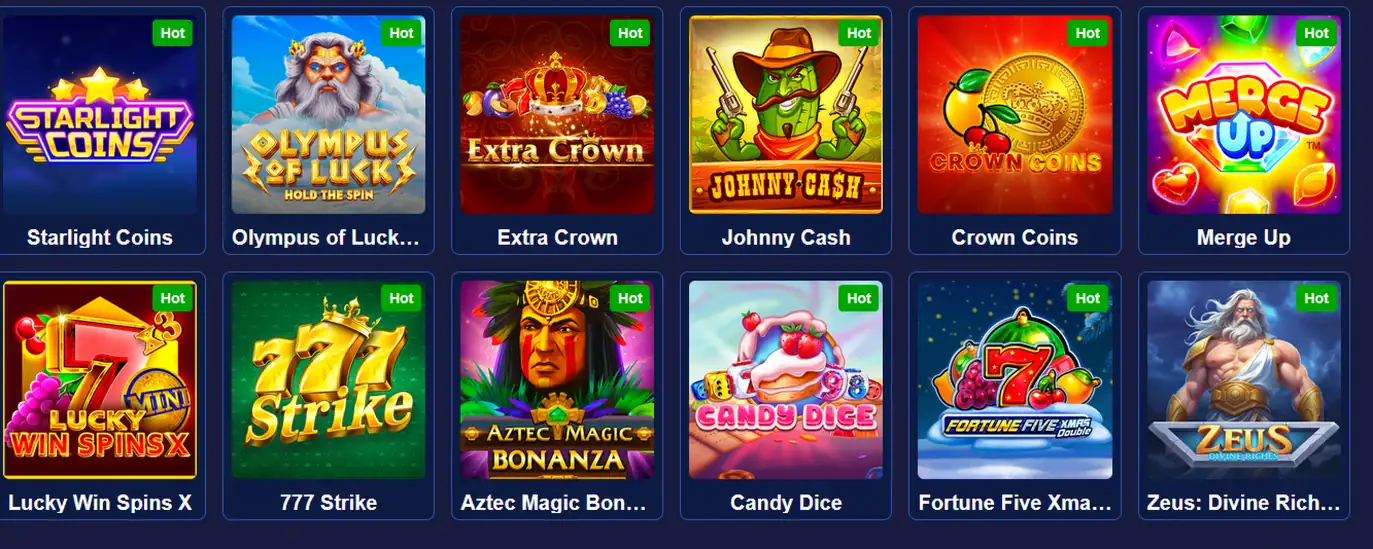
Sweet Bonanza and Big Bass Bonanza from Pragmatic Play, Book of Dead from Play’n GO and Razor Shark from Push Gaming are among the slots you can open from the icon, and the Hot row adds titles such as Starlight Coins, Olympus of Luck, Extra Crown and Johnny Cash.
Evolution Gaming, Pragmatic Play Live and Ezugi supply the live tables, including Lightning Roulette, Speed Roulette, Crazy Time and Monopoly Live.
Roulette, blackjack and baccarat tables are available, and Mega Moolah from Microgaming offers a progressive jackpot with an RTP of 88.12%.
New customers can claim the welcome pack from the app in the same way as on desktop, with 100% up to €300 + 200 free spins on the first deposit, 80% up to €400 + 200 free spins on the second and 60% up to €500 + 200 free spins on the third. 18+ only. Terms apply.
Wagering, validity and excluded games are listed in the BirdSpin bonus conditions. Please gamble responsibly.
You can register from the installed app or from the mobile browser, and the account opens in EUR with an English interface. You must be 18 or over.
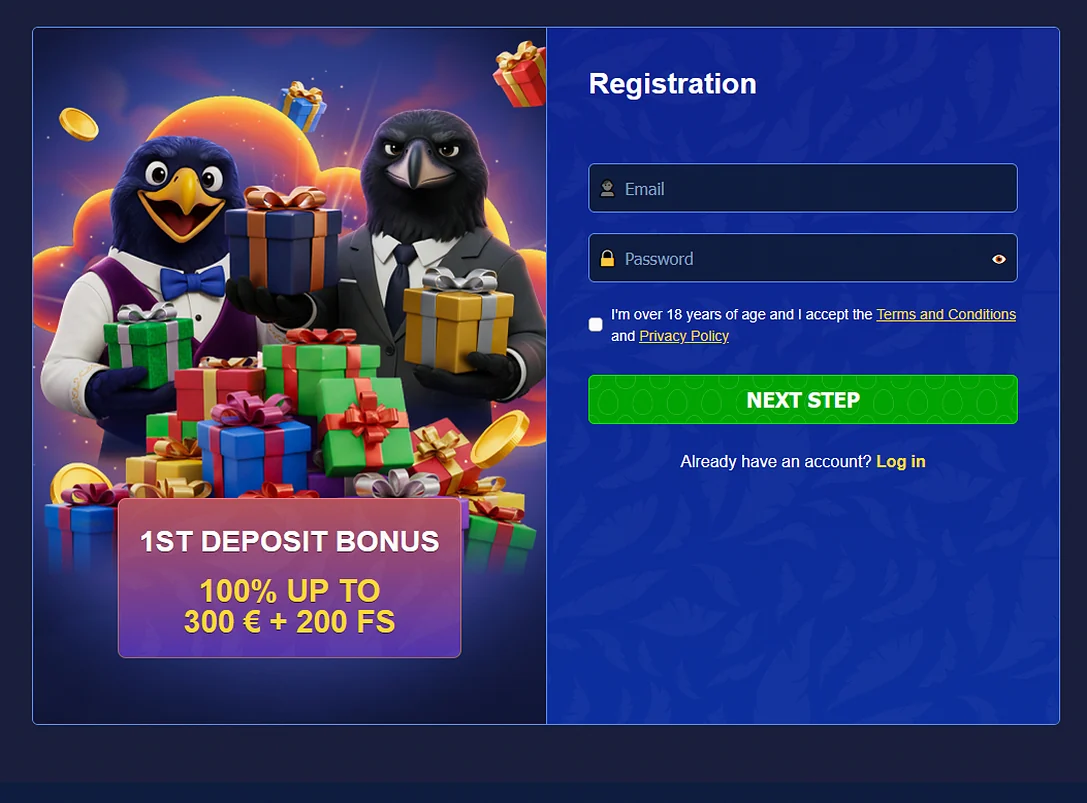
Open the app, select registration, enter your email address and a password, and confirm that you are over 18 and accept the Terms and Conditions and Privacy Policy. Verification of identity and address is requested before your first withdrawal.
Sign in with the credentials you created at registration. The same details work on desktop and in the mobile browser.
The cashier in the app is the same EUR cashier as on desktop, with the same methods, limits and fees.
Visa, Mastercard, Skrill, Neteller, Paysafecard, Jeton, PayPal, Faster Payments and cryptocurrency wallets are accepted. Deposits start at €10, and minimum withdrawals are €10 for Skrill, Neteller and Jeton and €20 for the other methods.
| Method | Deposit | Withdrawal |
|---|---|---|
| Visa and Mastercard | Instant | 1 to 5 business days |
| Skrill, Neteller, Jeton and PayPal | Instant | Within 24 hours of approval |
| Faster Payments and bank transfers | Instant for Faster Payments | 1 to 3 business days |
| Cryptocurrency wallets | Depends on network confirmations | Returned to the original wallet where supported |
Withdrawals return to the method you deposited with where that method supports payouts, and standard deposits and withdrawals carry a €0 fee. Currency conversion and payment provider fees may apply.
Our team answers on live chat and by email around the clock, in English for UK players.
Live chat and email both handle account questions, payment help, verification help and complaints.
Deposit limits, reality checks, session limits, cooling-off periods and self-exclusion can be managed from your account, and the minimum age to play is 18.
Questions about the BirdSpin app
Android phones need Android 8.0 or later and iPhones need iOS 13.0 or later. Desktop browsers on Windows, macOS and Linux also work.
No, BirdSpin is a Progressive Web App with no store listing, so you add it to your home screen from your mobile browser.
Yes, the cashier in the app accepts PayPal, Visa, Mastercard, Skrill, Neteller, Paysafecard, Jeton, Faster Payments and cryptocurrency wallets in EUR.
Add BirdSpin to your home screen
Claim up to €1,200 and 600 free spins across your first three deposits.
Start playing 18+ only. Gambling carries a risk of addiction and bonus terms apply.