Any device
The same account works on Windows, macOS and Linux browsers, Android and iOS browsers and the home screen app.
Log in to your BirdSpin account
One set of credentials for desktop browsers, mobile browsers and the home screen app, with live chat open 24/7.
What to expect at sign-in
Any device
The same account works on Windows, macOS and Linux browsers, Android and iOS browsers and the home screen app.
Checks before withdrawals
Identity and address verification applies before your first withdrawal and takes 24 to 72 hours.
Quick sign-in
Open the site, select login and enter the username or email and password you created at registration.
Sign-in habits worth keeping
What to do
What to avoid
Signing in to BirdSpin takes a few actions on any device: open the site, select the login option, enter the credentials you set at registration and confirm. The same account works on desktop browsers, mobile browsers and the home screen version. After signing in you can open the Live Casino lobby.
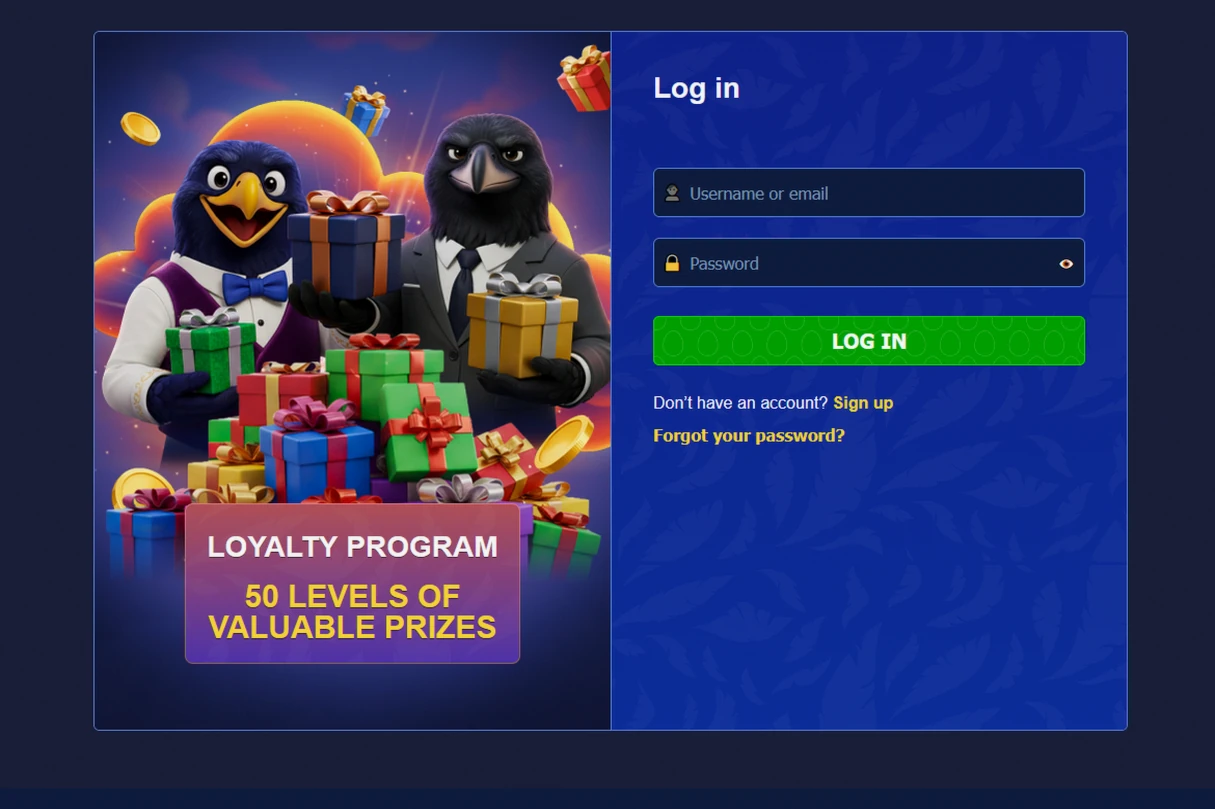
The form asks for your username or email and your password, and it has a Sign up link for new players and a Forgot your password link for recovery. The panel beside it promotes the loyalty programme with 50 levels of prizes.
Open BirdSpin in a Windows, macOS or Linux browser, select login, type your credentials and submit. Once you are in, the interface appears in English and your balance is shown in EUR.
Open the site in an Android or iOS mobile browser and follow the same steps. Your balance, bonuses and limits are the same as on desktop, because they belong to the account and not to the device.
Tap the BirdSpin icon on your home screen and sign in with the same credentials. The home screen version is the BirdSpin site installed from your browser, so there is no separate account to create.
BirdSpin uses the login details you created at registration, and nothing extra is needed to switch between a laptop, a phone and the home screen icon. Your EUR balance, active bonuses, deposit limits and verification status are attached to the account itself.
Responsible gambling settings such as session limits and reality checks also travel with the account, so a limit you set on your phone applies when you sign in on your laptop.
Most failed sign-ins come from a mistyped password, an outdated password saved in the browser or a weak connection, and each of them can be cleared in a few minutes.
Check that caps lock is off and that your browser has not autofilled an old password. Use the Forgot your password link on the login form if you are unsure of the current one. Try another browser or clear the cached data for the site, and confirm that your connection is stable. If you are still locked out, contact our live chat, which is open around the clock, or write to us by email, and the team can help with account access and with verification procedures.
Verification and player controls protect your account as much as a good password does.
We verify identity and address before your first withdrawal. UK players usually provide a passport or a UK photocard driving licence, together with a utility bill, a council tax bill or a bank statement, and processing takes 24 to 72 hours. Deposit limits, reality checks, session limits and cooling-off periods can be set from your account, and logging out after a session on a shared device keeps other people away from your balance.
If you have no account yet, you can register online in your browser with an email address and a password. The account opens in EUR with an English interface, and you must be 18 or over and accept the Terms and Conditions and Privacy Policy.
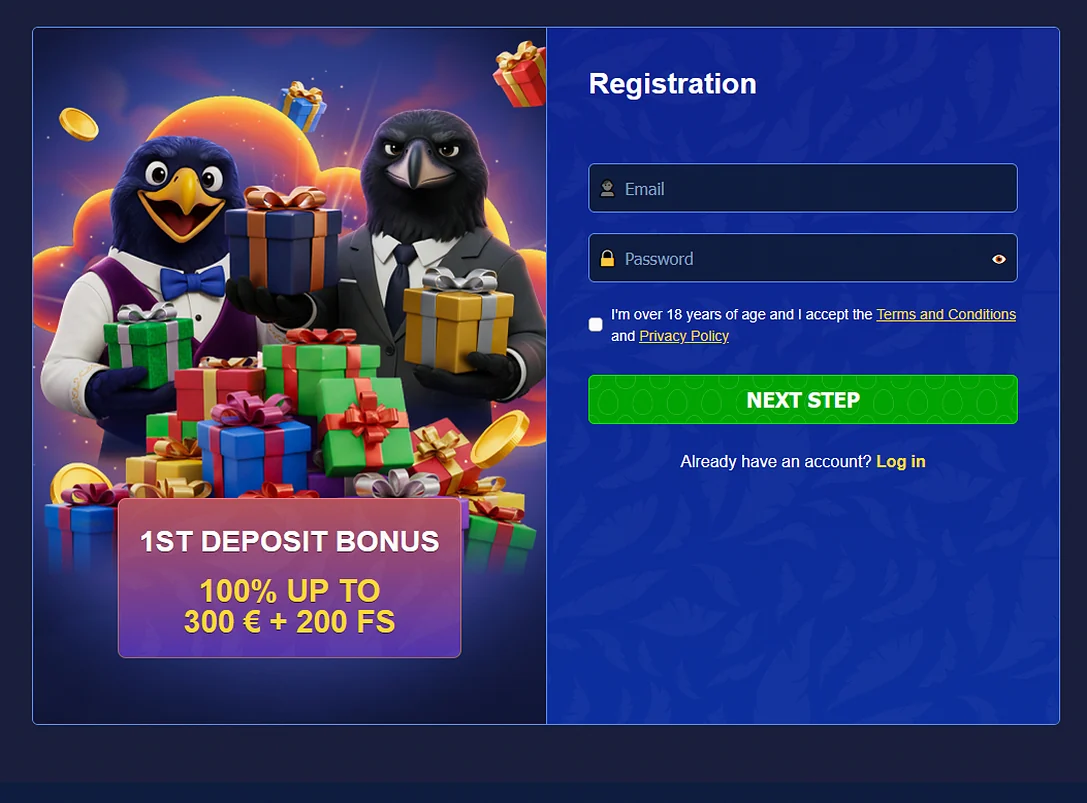
New customers who make a qualifying deposit can claim the welcome pack of up to €1,200 and 600 free spins, and the conditions are listed in the welcome pack terms. 18+ only. Please gamble responsibly. Terms apply.
Questions about signing in
Check caps lock, then use the Forgot your password link on the login form. If the problem continues, our live chat is open 24/7 and can help with account access.
Yes, the same credentials work in Windows, macOS and Linux browsers, in Android and iOS mobile browsers and in the home screen app, and your EUR balance follows the account.
No, documents are requested before your first withdrawal rather than at sign-in. A passport or UK photocard driving licence plus a utility bill or bank statement is usually enough.
Sign in and pick up where you left off
Claim up to €1,200 and 600 free spins across your first three deposits.
Start playing 18+ only. Gambling carries a risk of addiction and bonus terms apply.